
How to Stop Spam Calls and Texts on iPhone
Your phone buzzes for the tenth time today, and it’s not a friend, it’s another robocall about your car’s extended warranty. If you’re tired of this constant interruption, you’re not alone. Millions of iPhone users deal with the same headache every single day, and the good news is that Apple has quietly built several tools into iOS that can help you stop spam calls without needing to download a dozen sketchy apps. Combined with a few smart settings changes and maybe one reliable third-party app, you can take back control of your phone in less than fifteen minutes. This guide walks through every practical option, from built-in iPhone spam filter settings to the best call blocker apps worth paying for.
Why Spam Calls and Texts Keep Getting Worse
Spam callers and scam texters have gotten smarter over the last few years. They use software that generates numbers resembling your own area code, a trick called neighbor spoofing, so you’re more likely to answer thinking it’s a local business or someone you know. Text scams have also evolved, often pretending to be package delivery notifications, bank alerts, or messages about unpaid tolls. These messages usually contain links designed to steal personal information or install malware. Carriers and Apple have both stepped up efforts to fight this, but scammers adapt quickly, which is why relying on just one method rarely works. The most effective approach combines several layers of protection, starting with the settings already sitting inside your iPhone. If you want to dig deeper, our guide on How to Stop Spam Calls and Texts on Android covers this in more detail. This is a common part of dealing with stop spam calls, and it is worth keeping in mind.
Turn On Silence Unknown Callers
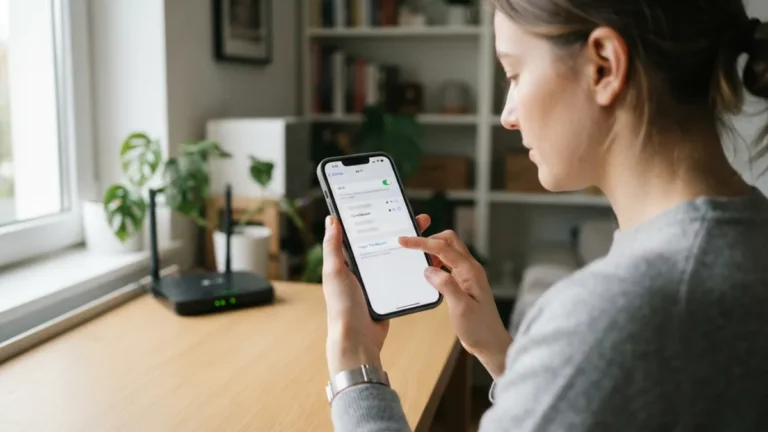
One of the simplest ways to stop spam calls is a feature called Silence Unknown Callers, buried inside your Phone settings. When enabled, calls from numbers not saved in your contacts, not found in your recent calls, and not suggested by Siri get sent straight to voicemail without ringing your phone at all. To turn it on, open Settings, tap Phone, then scroll down and toggle on Silence Unknown Callers. This feature works well for people who mostly get calls from people already in their contact list, but it does come with a downside worth mentioning. Many people run into this exact issue with stop spam calls at some point.
Because every unrecognized number gets silenced, you might miss legitimate calls from doctors’ offices, delivery drivers, or a new client trying to reach you for the first time. If you’re expecting calls from unknown numbers regularly, this setting might feel too restrictive. A good middle ground is turning it on temporarily during busy weeks or when spam calls spike, then switching it off again when you need to be more reachable. Keeping stop spam calls in mind here will save you time later on.
Use Your Carrier’s Free Spam Protection Tools
Before downloading any third-party app, check what your carrier already offers. AT&T, Verizon, and T-Mobile all provide free spam-blocking services that label suspected spam calls right on your caller ID screen, showing something like “Spam Likely” before you even answer. These services work at the network level, meaning they analyze call patterns across millions of users to flag suspicious numbers. Some carriers also offer premium tiers with extra features like reverse number lookup or automatic call blocking, usually for a small monthly fee. Since these tools are baked into your cellular plan, they don’t drain your battery or require constant app updates. It’s worth digging through your carrier’s app or account settings to make sure these protections are actually switched on, since some of them aren’t enabled automatically. This connects closely with another common issue — see How to Fix an iPhone That Won't Turn On for more on that. This detail matters more than it seems once stop spam calls comes up again.
How to Block Spam Texts on iPhone
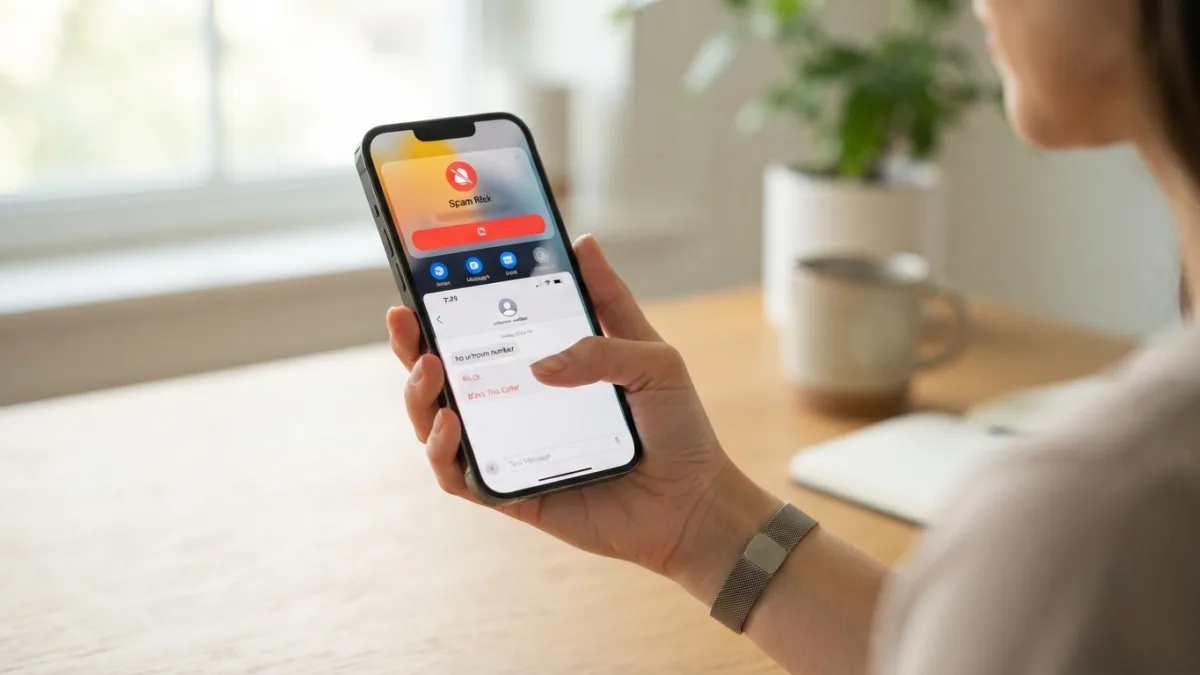
Blocking unwanted messages works a bit differently than blocking calls. If you want to block spam texts on iPhone directly, open the Messages app, find the conversation from the unwanted sender, tap their contact info at the top, and select Block this Caller. This stops that specific number from reaching you again, though scammers often switch numbers constantly, so this method works best as a quick fix rather than a permanent solution. For a broader approach, go to Settings, then Messages, and turn on Filter Unknown Senders. This automatically sorts messages from numbers not in your contacts into a separate list, keeping your main inbox cleaner and reducing the temptation to click on a suspicious link out of curiosity. It is one of those small things that makes stop spam calls easier to manage overall.
Report Spam Messages on iPhone the Right Way
Blocking a number helps you personally, but reporting spam messages on iPhone helps everyone else too. When you receive a suspicious text, look for the option that says “Report Junk” right below the message, which appears automatically for messages from unknown senders. Tapping this sends the message content and phone number to Apple and your carrier for analysis, without you needing to type anything. If that option doesn’t appear, you can forward the message to 7726, which spells SPAM on most keypads, a shortcode supported by major U.S. carriers specifically for reporting unwanted texts. This kind of reporting feeds into databases that help identify and block scam networks faster. This is a common part of dealing with stop spam calls, and it is worth keeping in mind.
Best Spam Call Blocker Apps to Consider
If built-in tools and carrier protections aren’t cutting it, a dedicated spam call blocker app might be worth the investment. These apps typically use larger, crowdsourced databases of known scam numbers, updated more frequently than what carriers provide alone. Here are a few popular options people often compare: You might also find our article on iPhone Battery Dying Too Fast? Try These Simple Fixes helpful here. Many people run into this exact issue with stop spam calls at some point.
- Truecaller — widely used worldwide, offers caller ID and spam identification with a free tier and paid premium features.
- Hiya — focuses on real-time spam detection and also powers spam protection for some carriers behind the scenes.
- RoboKiller — known for answering spam calls with pre-recorded responses to waste scammers’ time, alongside standard blocking.
- Nomorobo — a subscription-based option praised for accuracy, though it requires a paid plan after a free trial.
Each of these integrates with iPhone’s Call Blocking and Identification settings, found under Settings, then Phone, so you’ll need to manually enable the app there after installing it. Keeping stop spam calls in mind here will save you time later on.
Comparing Your Options at a Glance
With so many ways to stop spam calls, it helps to see how they stack up side by side. Here’s a quick comparison of the main approaches covered so far, based on cost, effort, and how effective they tend to be for most users. This detail matters more than it seems once stop spam calls comes up again.
| Method | Cost | Setup Effort | Best For |
|---|---|---|---|
| Silence Unknown Callers | Free | Very Low | People who rarely get calls from new numbers |
| Carrier spam protection | Free to low cost | Low | Anyone wanting a basic first layer of defense |
| Filter Unknown Senders | Free | Very Low | Reducing spam text clutter in Messages |
| Third-party blocker apps | Free to $5+/month | Moderate | People getting heavy spam volume daily |
Extra Habits That Reduce Spam Long-Term
Beyond settings and apps, a few everyday habits make a real difference over time. Avoid posting your phone number publicly on social media or websites, since scrapers actively collect these details to build call lists. Be cautious about which apps you give your number to, especially free apps or online quizzes that seem to have nothing to do with communication. Never call back an unknown number just to see who it was, since some scams charge premium rates the moment you connect. And resist the urge to reply “STOP” to a text from a number you don’t recognize, since scammers sometimes use that reply just to confirm your number is active, which can lead to even more messages instead of fewer. For a related walkthrough, check out How to Choose Between iPhone and Android in 2026. It is one of those small things that makes stop spam calls easier to manage overall.
Frequently Asked Questions
Does Silence Unknown Callers block spam calls completely?
Not entirely. It stops your phone from ringing for unrecognized numbers, sending them to voicemail instead, but it doesn’t identify or delete spam calls outright. You’ll still see missed calls in your call log, and it may also silence legitimate calls from new contacts. This is a common part of dealing with stop spam calls, and it is worth keeping in mind.
Is it safe to use free spam call blocker apps?
Most reputable apps like Truecaller or Hiya are safe, but always check app permissions before installing anything. Avoid apps with vague names, few reviews, or those asking for excessive access to your contacts and messages beyond what’s needed for call blocking. Many people run into this exact issue with stop spam calls at some point.
Why do I still get spam calls after blocking a number?
Scammers frequently spoof new numbers, so blocking one rarely stops the pattern for long. This is why combining blocking with carrier-level spam protection and a dedicated blocker app tends to work better than relying on manual blocking alone. Keeping stop spam calls in mind here will save you time later on.
What does reporting a message to 7726 actually do?
Forwarding a spam text to 7726 sends the message and sender’s number to your carrier’s fraud team for review. It doesn’t block the number automatically, but it helps carriers identify and shut down larger spam campaigns faster. This detail matters more than it seems once stop spam calls comes up again.
Can I stop spam calls without installing any extra apps?
Yes. Between Silence Unknown Callers, your carrier’s free spam labeling service, and filtering unknown senders in Messages, many people significantly cut down on spam using only built-in iPhone features, no downloads required.
One Comment
Comments are closed.