
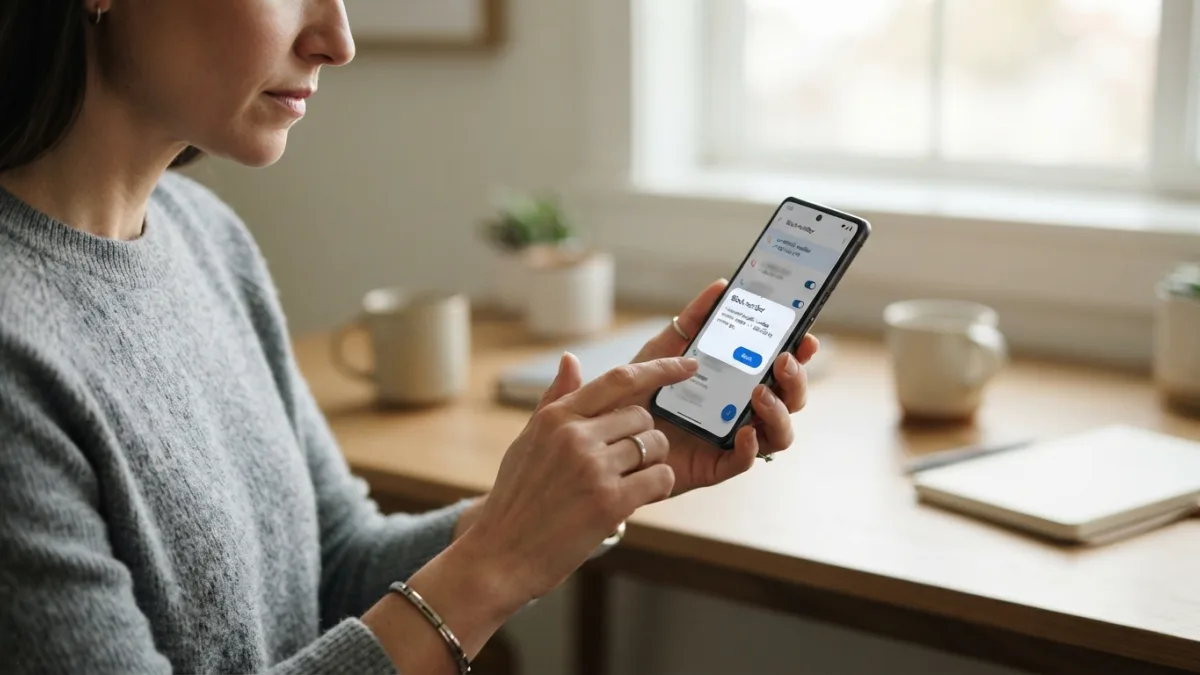
How to Stop Spam Calls and Texts on Android
Your phone buzzes for the fifth time today, and it’s not a friend or a delivery update — it’s another robocall about a car warranty you don’t even own. If you’re tired of the constant interruptions, you’re not alone. Millions of Android users deal with this daily, and the good news is you can stop spam calls without buying new hardware or switching carriers. Android has built-in tools, and there are excellent third-party apps that can filter out the noise before it ever reaches your ringtone. This guide walks you through every practical option, from settings hidden in your phone to apps you can download in minutes.
Why Spam Calls and Texts Have Gotten Worse
Robocalls and spam texts have exploded over the past several years because technology made them cheap and easy to send in bulk. Scammers use auto-dialers that can blast thousands of calls an hour, and they often “spoof” local numbers so the call looks like it’s coming from your area code, or even a neighbor. This trick fools people into answering calls they’d normally ignore. Text-based spam has grown too, often disguised as shipping notifications, bank alerts, or prize announcements designed to make you click a suspicious link. Once your number ends up on a scammer’s list, it tends to get shared or sold, which is why the calls rarely stop on their own. Understanding why this happens helps explain why a layered approach, combining phone settings, carrier tools, and apps, works better than relying on a single fix. If you want to dig deeper, our guide on How to Stop Annoying Ads and Pop-Ups on Android covers this in more detail. This is a common part of dealing with stop spam calls, and it is worth keeping in mind.
Turn On Android’s Built-In Spam Protection
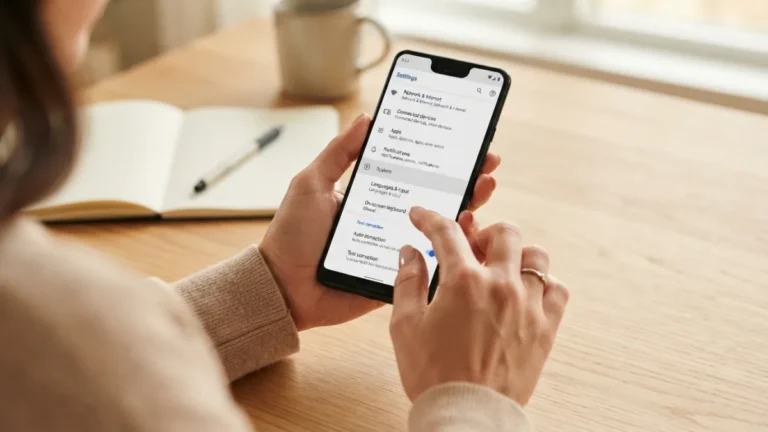
Before downloading anything, check what your phone already offers. Most Android devices running the Google Phone app include a built-in caller ID and spam-filtering feature that flags suspicious numbers automatically. To turn it on, open the Phone app, tap the three-dot menu in the top right corner, go to Settings, then Spam and Call Screen. From there, you can enable “See caller and spam ID” and “Filter spam calls,” which sends suspected spam straight to voicemail without ringing your phone. This feature relies on Google’s database of reported numbers, so it improves over time as more people flag unwanted calls. It’s not perfect, but it catches a surprising number of scam calls before you ever notice them. Many people run into this exact issue with stop spam calls at some point.
Use Call Screen for Unknown Numbers
One of the most useful tools on Pixel phones, and increasingly on other Android devices, is Call Screen. When an unknown number calls, you can let Google Assistant answer it for you and ask the caller to state their name and reason for calling, all before you decide whether to pick up. The transcript appears on your screen in real time, so you can read what’s being said and choose to answer, decline, or report it as spam. This feature is especially helpful for filtering out debt collectors, political robocalls, and scam attempts that don’t leave voicemails. If your phone supports it, it’s one of the fastest ways to reclaim control over your incoming calls without missing something important. Keeping stop spam calls in mind here will save you time later on.
How to Silence Unknown Callers
If you’d rather not deal with screening calls at all, Android offers a simpler option: silence unknown callers automatically. This setting sends any call from a number not in your contacts straight to voicemail, no ringing, no interruption. It’s a blunt tool, but it’s effective if most of your spam comes from unfamiliar numbers. To enable it, go to your Phone app settings and look for “Caller ID and spam” or “Blocked numbers,” depending on your device manufacturer. Samsung, for example, has a similar feature under Settings > Apps > Phone > Block Numbers, with options to block numbers not saved in your contacts. Keep in mind this can also block callbacks from businesses, delivery drivers, or new contacts trying to reach you for the first time, so weigh convenience against the risk of missing a legitimate call. This connects closely with another common issue — see How to Transfer Everything to a New Android Phone for more on that. This detail matters more than it seems once stop spam calls comes up again.
Block Spam Texts on Android
Spam calls get most of the attention, but unwanted texts are just as annoying, and sometimes more dangerous since many contain phishing links. To block spam texts on Android, open your Messages app, find the offending text thread, tap and hold it, and select “Block” or “Report spam.” Most Android messaging apps, including Google Messages, let you block a sender and report the message to Google in the same step, which helps improve spam detection for other users too. You can also turn on “Spam protection” in Google Messages settings, which scans incoming texts and flags anything that looks suspicious before you even open it. This feature works quietly in the background, comparing message patterns to known scam techniques, so you rarely have to think about it once it’s turned on. It is one of those small things that makes stop spam calls easier to manage overall.
Report Spam Messages Android Users Are Receiving
Blocking a number stops future messages from that specific sender, but reporting spam messages on Android helps everyone else too. When you mark a text as spam within Google Messages, that information gets sent to Google’s spam-detection system, which uses it to flag similar messages sent to other users. You can also forward suspicious texts to 7726 (which spells “SPAM” on a keypad), a free reporting service supported by most major U.S. carriers. This doesn’t block the sender immediately, but it feeds into a database carriers use to identify and shut down spam campaigns at the source. Taking the extra ten seconds to report rather than just delete can genuinely make a difference over time, especially as scam campaigns often target thousands of numbers from the same source. This is a common part of dealing with stop spam calls, and it is worth keeping in mind.
Best Spam Call Blocker Apps for Android
If built-in settings aren’t cutting it, a dedicated spam call blocker app can add another layer of protection. These apps typically use larger, crowd-sourced databases of reported numbers and update more frequently than what’s built into your phone. Here are some of the most widely used options: You might also find our article on How to Transfer Files Between Android and PC (No App Needed) helpful here. Many people run into this exact issue with stop spam calls at some point.
- Truecaller: One of the most popular apps worldwide, it identifies unknown callers, blocks known spam numbers automatically, and lets users report new scam numbers in real time.
- Hiya: Offers caller ID and spam blocking, and powers the spam detection built into some carrier apps, including AT&T Call Protect.
- RoboKiller: Uses answer bots that waste scammers’ time while automatically blocking known robocall numbers, appealing to users who want an active defense rather than a passive filter.
- Nomorobo: Focuses specifically on robocall blocking with a simple interface, popular among users who want something lightweight and easy to set up.
Most of these apps offer free versions with basic protection, while premium tiers unlock more detailed caller information and advanced filtering rules. Keeping stop spam calls in mind here will save you time later on.
Comparing Popular Spam Call Blocker Apps
Choosing the right app depends on what matters most to you, whether that’s cost, thoroughness, or extra features like reverse number lookup. Here’s a quick side-by-side comparison to help you decide: This detail matters more than it seems once stop spam calls comes up again.
| App | Free Version | Key Feature | Best For |
|---|---|---|---|
| Truecaller | Yes | Large caller ID database | Identifying unknown numbers |
| Hiya | Yes | Carrier-integrated spam detection | Users with AT&T or similar carriers |
| RoboKiller | Trial only | Answer bots that deter scammers | Active robocall retaliation |
| Nomorobo | Trial only | Simple robocall blocking | Minimal, no-fuss setup |
Ask Your Carrier for Robocall Protection
Beyond your phone’s settings and third-party apps, your mobile carrier likely offers its own layer of android robocall protection, and it’s often free or included in your existing plan. Verizon, T-Mobile, and AT&T each provide call-filtering services, sometimes called Call Filter, Scam Shield, or Call Protect, that flag or automatically block suspected spam calls at the network level before they reach your device. These services work in addition to whatever app or built-in setting you’re using, adding another checkpoint scammers have to get past. Some carriers offer a premium tier with more advanced features, like reverse number lookup or personalized block lists, for a small monthly fee. It’s worth checking your carrier’s app or website to see what’s already available to you, since you might be paying for a service you’re not fully using. For a related walkthrough, check out How to Set Up a New Android Phone Step by Step. It is one of those small things that makes stop spam calls easier to manage overall.
Extra Habits That Reduce Spam Calls Over Time
No single tool eliminates spam completely, but a few habits make a noticeable difference over time. Avoid answering calls from numbers you don’t recognize, since even picking up and hanging up confirms your number is active, which can lead to more calls. Never press a button or respond to an automated message asking you to “press 1 to be removed,” as this often just confirms your number to scammers rather than removing it. Be cautious about where you share your phone number online, especially on public forums, contest entries, or unfamiliar websites. Registering your number with the National Do Not Call Registry won’t stop illegal scam calls, but it does reduce legitimate telemarketing calls, which is one less category of spam to deal with. Combining these habits with the tools above gives you the strongest possible defense. This is a common part of dealing with stop spam calls, and it is worth keeping in mind.
Frequently Asked Questions
Does blocking a number actually stop spam calls for good?
Blocking a specific number stops calls from that exact number, but scammers frequently switch numbers, so you may still receive calls from a different one. That’s why combining call blocking with spam-detection apps or carrier filtering tends to work better than blocking alone. Many people run into this exact issue with stop spam calls at some point.
Are third-party spam call blocker apps safe to use?
Reputable apps like Truecaller, Hiya, and RoboKiller are generally safe and widely used, but they do require access to your call log and contacts to function properly. Stick to well-known apps with strong reviews and check their privacy policies before granting extensive permissions. Keeping stop spam calls in mind here will save you time later on.
Can I stop spam calls without installing any app?
Yes. Android’s built-in spam filtering, Call Screen, and the “silence unknown callers” feature can significantly cut down on spam without any extra downloads. Combining these with your carrier’s free call-filtering service often provides solid protection on its own. This detail matters more than it seems once stop spam calls comes up again.
Why do I still get spam texts after blocking a number?
Spammers often use different numbers or short codes for each message, so blocking one sender doesn’t guarantee future texts won’t arrive. Reporting spam messages on Android, rather than just blocking, helps improve detection systems that catch these new numbers faster. It is one of those small things that makes stop spam calls easier to manage overall.
Is it safe to reply “STOP” to a spam text?
Only reply “STOP” to messages from businesses you recognize and have actually subscribed to. Replying to unknown or suspicious numbers can confirm your number is active, potentially leading to more spam rather than less. This is a common part of dealing with stop spam calls, and it is worth keeping in mind.

4 Comments
Comments are closed.